
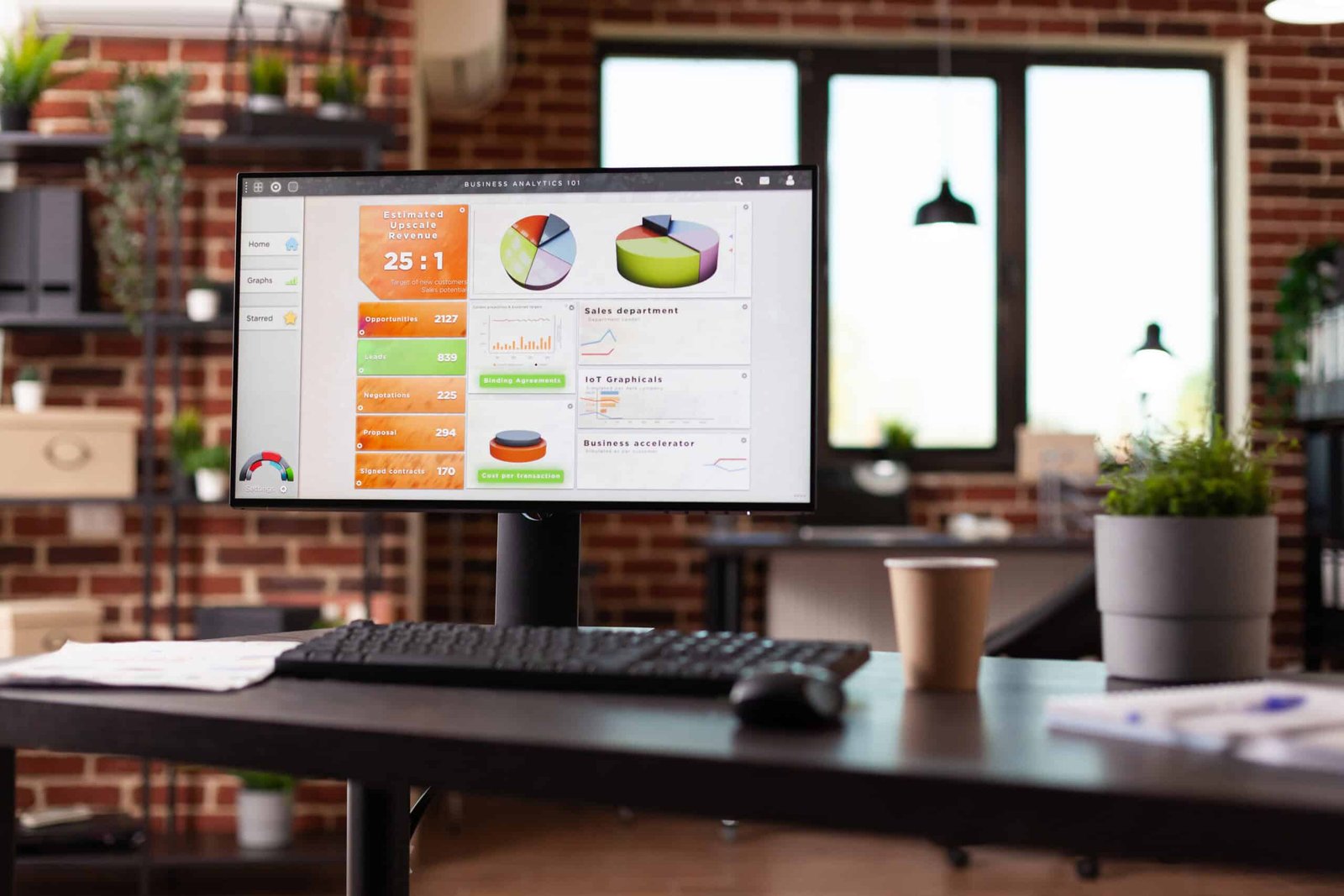
When Is It Time to Invest in a CRM? Why Spreadsheets Just Aren’t Enough for Growing Businesses
When Is It Time to Invest in a CRM? Why Spreadsheets Just Aren’t Enough for Growing Businesses
Running your business on spreadsheets might be fine initially — but once you start handling more clients, follow-ups, and opportunities, it can quickly become inefficient and risky. Here’s why a Customer Relationship Management (CRM) system can be a game changer, whether you’re a local tradesman, a consultancy, or a small e‑commerce venture in Hampshire.
1. 📈 The Limits of Spreadsheets
Spreadsheets fall short as your client base grows. Key issues include:
-
Manual Updates: Every note, follow-up, or status change is manual — slow and error-prone.
-
Limited Visibility: No clear pipeline or reminders; you might miss key follow-ups.
-
Access & Security: Sharing via email or shared drives is clunky and risky.
-
Scalability: Managing multiple users? Spreadsheets quickly become unmanageable.
2. ✅ When You Should Consider a CRM
Look for these signs you’ve outgrown spreadsheets:
-
✅ Losing track of leads or missing sales opportunities
-
✅ Struggling to assign or track follow-ups and tasks
-
✅ Team growth — you need shared contact visibility
-
✅ Using multiple lists (contacts, quotes, invoices) that don’t sync
-
✅ Poor reporting or inability to analyse your sales funnel
When that happens, CRM helps you organize, automate, and grow smarter — not just harder.
3. 🏆 Top CRM Tools: Free, Paid, and Pros & Cons
| CRM | Free Tier? | Pricing (per user/mo) | Advantages | Limitations |
|---|---|---|---|---|
| HubSpot CRM | Yes (unlimited users) | From £0; paid from £46/mo | User-friendly, marketing automation, integrations | Paid plans get pricey; limited customisation |
| Zoho CRM | Free for 3 users | From £11/mo | Affordable, strong core features | Steeper learning curve, support cost |
| Salesforce Essentials | No | £20/user | Scalable, best-in-class, App Market | Overkill for solos, can get expensive |
| Pipedrive | No | From £12.50/mo | Pipeline-focused, easy to use | Less marketing tools, limited advanced features |
| Insightly | Free for 2 users | From £24/mo | Project and contact tracking in one tool | Feature-heavy but pricier |
4. 🧭 Choosing the Right CRM by Industry & Team Size
-
Self-Employed / Solo Trades (e.g., Electricians, Plumbers)
✅ HubSpot Free — unlimited contacts, contact history, email tracking. Great for setting reminders, tracking quotes, and follow-ups — all for free. -
Small Service Businesses (5–15 staff: e.g., Consultants, Accountants)
✅ Zoho CRM — affordable, robust features (quotes, reporting), and customisable workflows. Great for managing pipelines and quotations. -
Growing Businesses (15+ users: e.g., Agencies, Project-based Firms)
✅ Salesforce Essentials — scalable, integrates with finance & support apps. As you grow, you can upgrade to enterprise-level features. -
Sales & Pipeline-Driven Firms (e.g., Estate Agents, Commercial Sales)
✅ Pipedrive — visual deal pipelines, automations, email syncing. Good for tracking deal stages across team members. -
Project + CRM in One (e.g., Marketing Agencies, IT Firms)
✅ Insightly — one system for contacts, projects, and schedules. Avoids multiple tools and keeps things streamlined — albeit pricier.
5. ⚙️ Free vs Paid: What Do You Really Get?
-
HubSpot Free: Unlimited users & contacts, email & contact tracking, scheduled reminders — little to no setup cost.
-
Paid tiers: Add marketing automation, team email inboxes, deeper analytics, and SEO tools. Good if you need lead scoring or multi-channel marketing.
-
Zoho CRM Free: Good basic workflows and sales tracking for small teams.
-
Paid: Adds blueprints, email analytics, CPQ (configure-price-quote) tools.
-
Salesforce Essentials: Gives you high-end features from day one — but initial setup and training may be needed.
6. 🧪 CRM Setup: Best Practices
-
Import your contacts & historical data (spreadsheets, emails).
-
Create a simple pipeline: e.g., Lead → Quote → Follow-up → Won/Lost.
-
Define roles: Who owns contact data, who sends quotes?
-
Automate reminders and emails
-
Track your performance: number of leads, quote-to-close ratio, pipeline value.
-
Train your team: CRM only works when used consistently.
7. 🧠 Benefits a CRM Brings
-
📌 Better Visibility — Know where leads stand at all times.
-
⏰ Automated Reminders — No more missed follow-ups.
-
💶 Improved Conversions — Quicker response = higher win rates.
-
📞 Team Collaboration — Shared notes, contact history, and accountability.
-
📊 Sales Reporting — Spot bottlenecks and revenue trends instantly.
8. 💡 Is It Time for Your Business?
Investing in a CRM doesn’t have to be complicated — but it should solve real problems:
-
Are you losing sales to slow replies?
-
Do you want the team to track opportunities more effectively?
-
Want automated follow-ups but don’t want to chase the team?
If the answer’s “yes”, it’s time to choose a CRM toolkit that fits your needs and budget, and helps your business grow smarter — not harder.
🛠️ Local Implementation: How I Can Help in Fleet & Hampshire
As a seasoned IT consultant in Fleet with over 20 years’ experience, I:
-
Audit your workflow to recommend the ideal CRM.
-
Import your contacts, set up pipelines, and tune automations.
-
Train your team to use it effectively — no jargon.
-
Provide ongoing support as your business scales.