
How to Choose the Right Accounting Software for Your Small Business
How to Choose the Right Accounting Software for Your SME
1. Why Choosing the Right Accounting Software Matters
For SMEs, accounting software isn’t a luxury—it’s essential. You need tools to:
-
Automate bank reconciliation and VAT returns
-
Track invoices and expenses
-
Generate reports for decision-making and filing
-
Integrate with HMRC’s Making Tax Digital (MTD) requirements
Using the wrong system can waste time and money—or lead to costly mistakes.
2. What Basic Features SMEs Really Need
Whether DIY or working with an accountant, most SMEs should prioritise:
-
Automated bank feeds & reconciliation
-
Invoicing & payment tracking
-
Expense capture & receipts
-
VAT return generation & MTD submission
-
Financial reporting (profit & loss, balance sheet)
-
User access controls & audit trails
-
Support for multi-user access (if accountant or team involved)
Simple Excel spreadsheets can start this—but they lack automation, versioning, error-checking, and easy HMRC integration.
3. Excel: Why It Falls Short (Almost Always)
Excel is widely used and familiar—but it remains manual, error-prone, and lacks:
-
Bank syncing and automation
-
Version control or audit trails
-
Invoicing templates with tracking
-
VAT return functionality tied to HMRC
Most SMEs quickly outgrow Excel when they add staff, need HMRC compliance, or require solid reporting.
That said, small sole traders using Excel-only accounting still risk compliance issues and missing automation efficiencies. A cloud package often pays for itself in saved time and accuracy.
4. Cloud vs On-Premise Accounting Software
☁️ Cloud-Based Systems
-
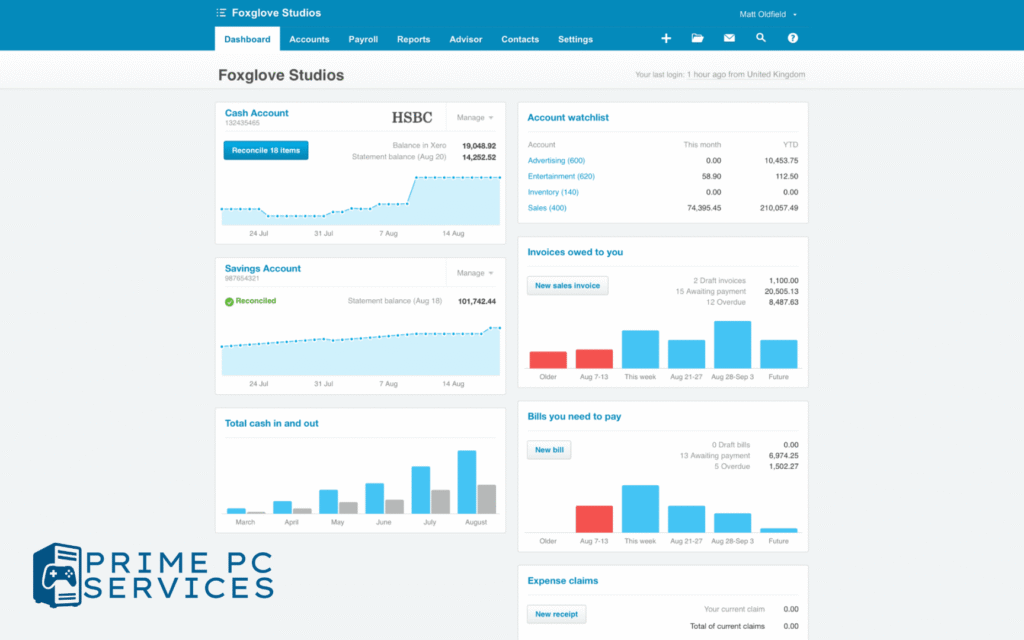
Xero, QuickBooks, Sage Accounting, Zoho Books, FreeAgent, IRIS Elements
-
Accessible from any device
-
Bank connections, automated VAT & MTD submissions
-
Mobile apps, real-time data
-
Monthly or annual subscription
-
Natural disaster and hardware failure protected
Ideal for SMEs wanting ease, scalability, remote access, and low upfront cost.
🖥️ On-Premise/Desktop Systems
-
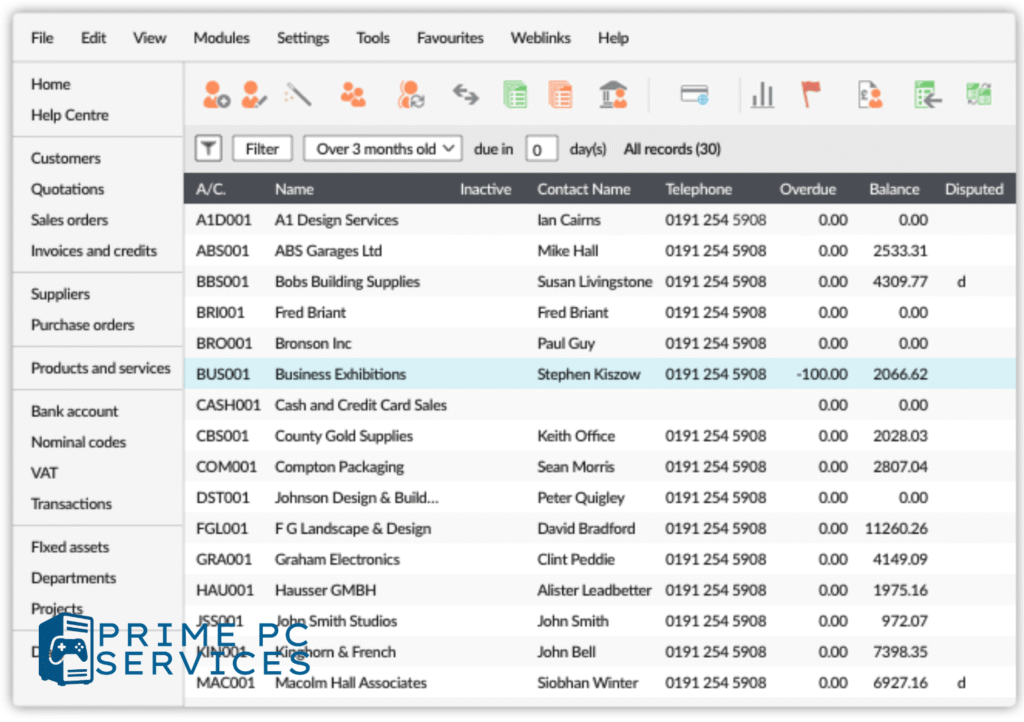
Sage 50 Accounts (UK) / Sage Line 50, IRIS, MYOB desktop
-
Installed on local machine or server
-
Often included payroll, job cost, stock management modules
-
Data stored locally—requires backup strategy
-
More expensive upfront and for new licenses
Ideal if you operate offline, have multiple users locally, need heavy inventory or complex reports.
5. Cost & Feature Comparison (UK 2025 Pricing)
Xero (Cloud)
-
Plans: Starter ~£7/mo; Standard ~£30; Ultimate ~£47–£65 (from 1 Sept 2025)
-
Includes bank feeds, VAT submissions, unlimited users in higher tiers
-
Pros: scalable, mobile, apps ecosystem, accountant access
-
Cons: entry plan limits invoices, bills, reconciliation
Sage Accounting (Cloud)
-
Accounting Start ~£15/mo; Standard ~£30; Plus ~£59/mo
-
Includes quotes, forecasting, inventory (Plus), CIS support
-
Pros: UK rooted, strong support, AI Copilot integration in Sage 50 cloud
-
Cons: slightly higher cost for lower tiers, limited international partner ecosystem
QuickBooks (Intuit)
-
UK plans ~£12–£47/mo (depending on promotions)
-
Strong invoicing, payroll integration, cashflow features
-
Pros: easy HMRC VAT submission, app ecosystem, accountant collaboration
-
Cons: pricing can jump higher; less UK-specific support vs Sage
FreeAgent
-
~£33/mo, UK-focused for freelancers, sole traders, micro SMEs
-
Time tracking, project billing, tax support built-in
-
Pros: simple interface, all-in-one, self-employed friendly
-
Cons: fewer integrations, less suitable for multi-user setups
Zoho Books
-
From ~£18–25/mo depending on features
-
Strong automation, workflows, inventory, multi-currency
-
Pros: integrates into broader Zoho suite (CRM, projects)
-
Cons: UK-specific support smaller vs Sage/Xero
Sage 50 Accounts (On-Premise)
-
Desktop license ~£1,200/year or £103/mo plus support
-
Full bookkeeping, payroll modules available
-
Pros: control over data, local performance, integrated payroll
-
Cons: high upfront cost, requires backups, less remote flexibility
IRIS Elements or IRIS Staffology
-
Cloud-based, integrates accounting & payroll (~£35–£50/mo)
-
UK business-centric payroll support built-in
-
Pros: strong payroll for SMEs, UK compliance assured
-
Cons: less accounting-specialised features vs Xero/Sage
6. Real-Life Examples
-
Startup consultancy in Fleet chose Xero Starter (£7/mo) for low volume invoices, easy VAT returns, and accountant access.
-
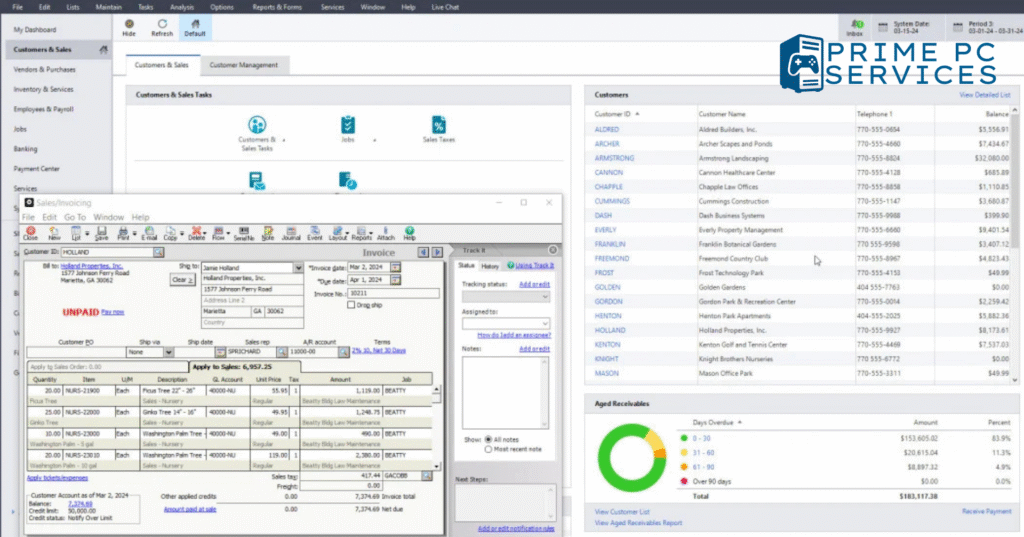
Local builder’s merchant migrated from Sage 50 desktop to Sage Accounting Plus (£59/mo) to use cloud and reduce local backup costs.
-
Freelance designer uses FreeAgent (£33/mo) for project billing and self-assessment.
-
Medium SME with 7 staff uses Zoho Books Premium as part of broader Zoho CRM and projects package.
7. DIY Bookkeeping vs Hiring an Accountant
Many SMEs can handle day-to-day bookkeeping themselves with these tools:
-
Automated bank feeds
-
Receipt scanning via apps (Hubdoc, FreeAgent, Xero)
-
VAT reporting built-in
But accountants are still essential for:
-
Year-end accounts
-
Tax strategy and planning
-
Complex payroll
-
Financial advice and compliance
Most platforms allow SME owners to prepare records and hand over easily to accountants—saving both time and fees.
📣
Want help setting up Xero or Sage so you don’t waste time or miss compliance?
We can do it for you.
8. Choosing What’s Right for Your SME
Use this quick checklist:
-
Cloud or desktop?
-
Number of users & accountant access
-
Budget: £15–£65/mo vs £1,000/year desktop
-
Needed features: VAT, payroll, project tracking, multi-currency
-
Support needs: UK phone/email support or community forums
-
Integration needs: CRM, inventory, HR tools
Need help comparing? Prime PC Services offers personalised guidance—book a free chat.
📣
Curious which plan suits your team best?
Contact us for a free consultation
🧾 Summary Table
| Software | Cloud/Desktop | Price (UK/month) | Strengths | Considerations |
|---|---|---|---|---|
| Xero | Cloud | £7 – £65 | Scalable, unlimited users, apps | Starter plan limits invoices |
| Sage Accounting | Cloud | £15 – £59 | UK support, AI recent update | Slightly higher price tiers |
| QuickBooks (Intuit) | Cloud | £12 – £47+ | Feature-rich, payroll integration | Higher tiers cost more; US centric |
| FreeAgent | Cloud | £33 | Simple, project billing, VAT support | Best for freelancers/small sole traders |
| Zoho Books | Cloud | ~£18–25 | Automation, integration with Zoho | Smaller UK user base |
| Sage 50 Accounts | On-premise | ~£1,200/year | Full control, built-in payroll | Expensive upfront, needs backups |
| IRIS Elements | Cloud | ~£35–50 | Payroll integrated, UK focused | Less popular for accounting features |
📣 Final Thought
Whether you’re a sole trader, freelancer, or small business with employees, the right accounting software makes your finances easier—and more accurate. Cloud options like Xero, Sage, QuickBooks, or Zoho Books offer affordable, scalable tools with built-in MTD compliance. On-premise Sage 50 still works for offline, multi-user setups—but at a higher cost.
If you’re not sure which to choose or need help setting the system up properly, Prime PC Services is here to assist—from comparison to deployment and training.